 Abdelrahman Rabie Ali





 محتوى مموّل
جروب فيسبوك
انضم الي جروب مجتمع مبرمجي المستقبل
انضم الان
محتوى مموّل
جروب فيسبوك
انضم الي جروب مجتمع مبرمجي المستقبل
انضم الان
JOURNAL INDEX

Mobile App Localization Testing: RTL, Dates, Currency, and Long Text
Abdelrahman Rabie Ali
Software Engineer & AI Builder
A practical guide to testing Android and iOS localization, RTL layouts, text expansion, dates, currency, and runtime language changes.
اختبار توطين تطبيقات الموبايل: RTL والتواريخ والعملات والنصوص الطويلة
قد تعمل شاشة التطبيق بصورة صحيحة باللغة الإنجليزية، ثم تنهار عند عرض العربية أو الألمانية أو لغة تستخدم صيغًا مختلفة للتاريخ والأرقام. اختبار التوطين (Localization Testing) لا يقتصر على ترجمة الكلمات؛ بل يتحقق من أن التخطيط والسلوك والبيانات يظلون مفهومين في كل لغة وسوق مستهدف.
يركز هذا الدليل على تطبيقات Android وiOS، مع خطوات عملية لاختبار اتجاه الكتابة من اليمين إلى اليسار، وطول النصوص، والتواريخ والعملات والأرقام، وتبديل اللغة أثناء الاستخدام. ستتعلم كيف تبني بيانات اختبار تكشف المشكلات مبكرًا، وكيف تدمج الفحص في مراجعة الواجهة وخط النشر بدل انتظار تقارير المستخدمين بعد الإصدار.
القاعدة الأساسية هي ألا تفترض أن النص التجريبي القصير يمثل المحتوى الحقيقي. استخدم أسماء طويلة، ونصوصًا عربية وإنجليزية مختلطة، وأرقامًا وتواريخ متنوعة، ثم اختبر الرحلة الكاملة على أجهزة فعلية. الهدف هو أن تبقى الوظائف واضحة وقابلة للاستخدام مهما تغيرت اللغة أو إعدادات المنطقة.
1. ابنِ مصفوفة اختبار للغات والأسواق
لا تحتاج إلى اختبار كل توليفة ممكنة من الأجهزة واللغات والإصدارات منذ اليوم الأول، لكنك تحتاج إلى مصفوفة مقصودة. ابدأ باللغات الأساسية، وأهم أحجام الشاشة، وأقدم إصدار نظام تدعمه، وأحدث إصدار متاح، ثم أضف الحالات التي تختلف فيها طريقة العرض جذريًا. سجّل إعداد لغة التطبيق وإعداد المنطقة الزمنية وإعداد البلد كلًّا على حدة؛ فقد تكون لغة الواجهة عربية بينما تكون المنطقة مضبوطة على دولة أخرى.
قسّم السيناريوهات حسب أثرها على المستخدم. اختبر التسجيل والبحث والدفع والإشعارات والإعدادات وتصدير البيانات، وليس الصفحة الرئيسية فقط. لكل سيناريو، حدد المدخلات والنتيجة المتوقعة، مثل عرض مبلغ بعملة صحيحة أو إبقاء زر الحفظ ظاهرًا بعد تمدد التسمية. إذا كان التطبيق يستخدم بيانات من الخادم، اختبر استجابات تحتوي على نصوص طويلة وقيم فارغة وأسماء ذات أحرف غير مألوفة.
استخدم أجهزة فعلية في مرحلة التحقق النهائية، لأن المحاكي لا يكشف دائمًا سلوك لوحة المفاتيح أو الخطوط المثبتة أو تغيّر مساحة العرض. احتفظ ببيانات اصطناعية ثابتة حتى تكون النتائج قابلة للتكرار بين المطورين والمختبرين. وعندما يظهر خلل، سجّل اللغة والمنطقة وإصدار النظام والجهاز وخطوات إعادة الإنتاج بدل الاكتفاء بصورة للشاشة.
2. اختبر اتجاه الكتابة RTL والتخطيط
عند عرض العربية، لا يكفي محاذاة النص إلى اليمين. راجع ترتيب العناصر، ومكان الأزرار، واتجاه الانتقال بين الصفحات، وموضع القوائم الجانبية، وسلوك الحقول التي تحتوي على نصوص مختلطة. بعض المكونات تحتاج إلى عكس اتجاهها، بينما لا ينبغي عكس كل رمز تلقائيًا؛ فالشعار أو رمز التشغيل قد يحتفظ باتجاهه الأصلي. اعتمد قواعد واضحة لكل مكون بدل إضافة استثناءات عشوائية في كل شاشة.
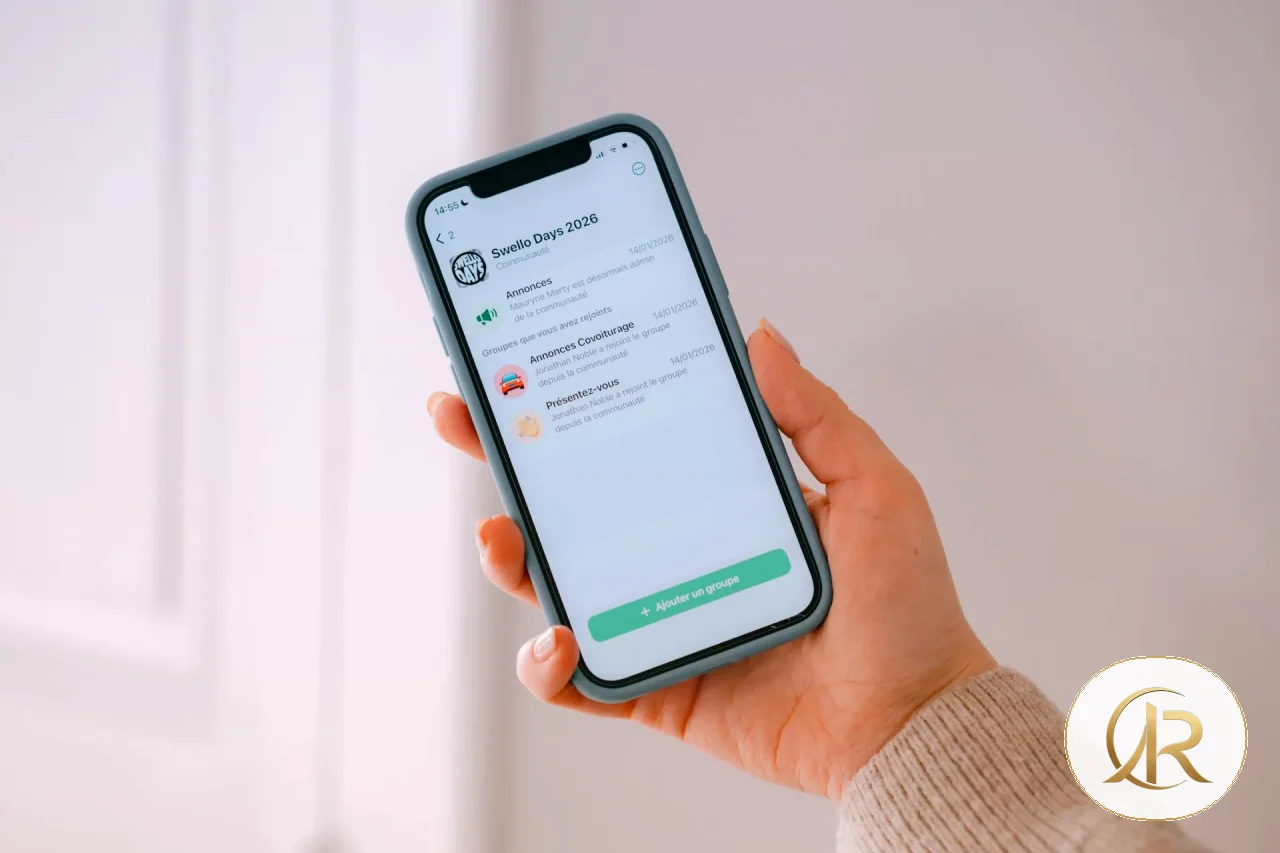
اختبر وجود العربية والإنجليزية في السطر نفسه، مثل رقم طلب أو بريد إلكتروني داخل رسالة عربية. جرّب علامات الترقيم والأقواس والشرطات والأرقام، لأن اتجاه النص قد يجعلها تظهر في موضع غير متوقع. تأكد من أن المؤشر يتحرك كما يتوقع المستخدم عند تعديل نص مختلط، وأن النسخ واللصق لا يغيّران ترتيب الأحرف. لا تكتفِ بصورة ثابتة؛ اكتب داخل الحقل واحذف وأضف في منتصف السطر.
افحص النوافذ المنبثقة والقوائم والتنبيهات مع اتجاه RTL. يجب أن تبقى أزرار التأكيد والإلغاء مرتبطة بمعناها، وألا ينتقل التركيز إلى موضع بعيد عن سياق المهمة. إذا كان التصميم يدعم اتجاهين، فاختبر الانتقال بينهما بعد فتح شاشة عميقة، لا بعد إعادة تشغيل التطبيق فقط.
3. النصوص الطويلة وتغيّر حجم الخط
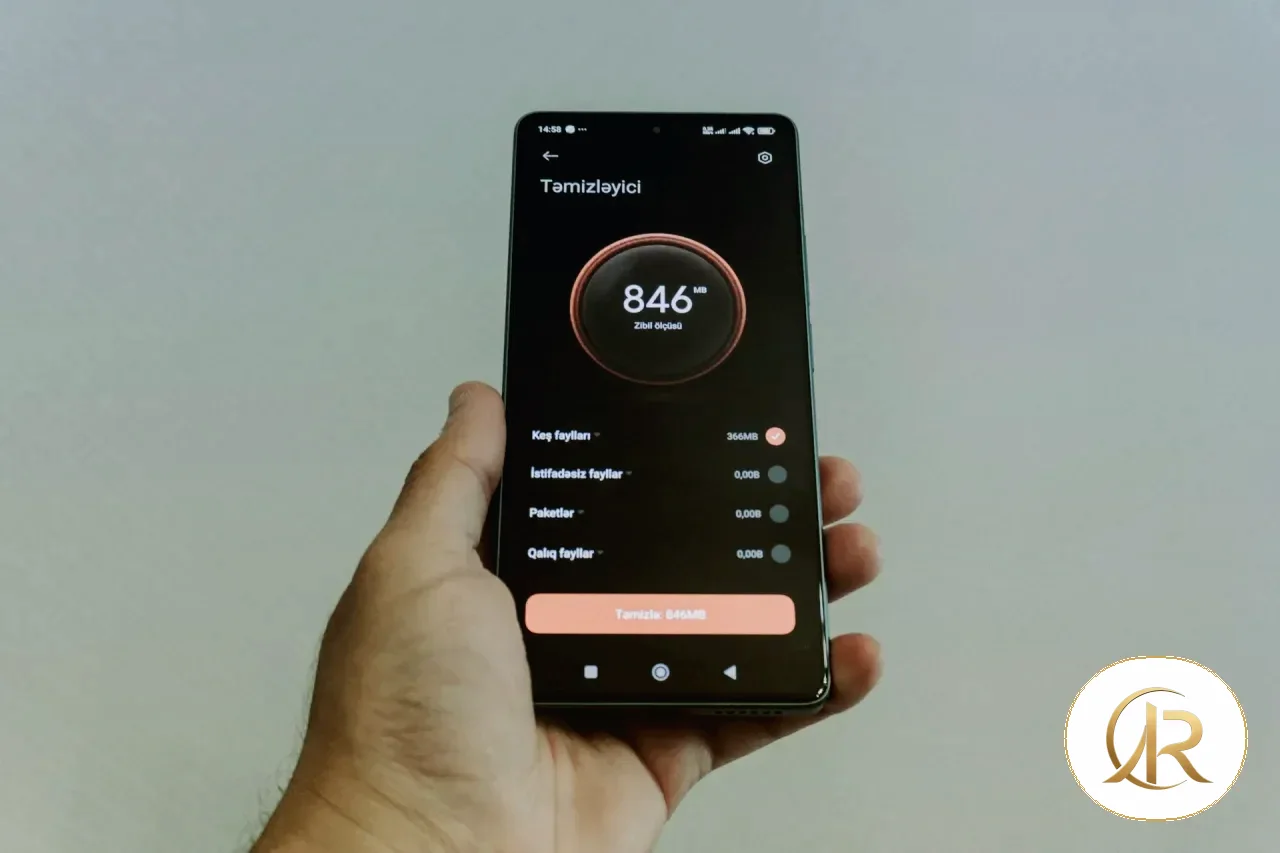
الترجمة قد تكون أطول بكثير من النص الأصلي، لذلك اختبر أسماء الأزرار والعناوين ورسائل الخطأ في نسخ قصيرة وطويلة. تجنب ارتفاعات ثابتة تقص الكلمات، وتأكد من التفاف النص عندما تضيق المساحة. افحص البطاقات والقوائم وشاشات الدفع، حيث يمكن لزيادة بسيطة في طول التسمية أن تدفع زرًا مهمًا خارج الشاشة أو تغطيه بلوحة المفاتيح.
اختبر تكبير الخط من إعدادات النظام، لا من إعداد داخل التطبيق فقط. يجب أن تبقى المعلومات الأساسية قابلة للقراءة، وأن تتمدد الحاويات أو تسمح بالتمرير عند الحاجة. راقب النصوص التي تتداخل مع الأيقونات، وعناوين النوافذ، وأزرار الحفظ والإلغاء. إذا كان هناك حد أقصى لطول النص، فتأكد من أن القطع لا يحذف معلومة لازمة لاتخاذ القرار.
4. التواريخ والأوقات والمناطق الزمنية
التاريخ ليس سلسلة نصية ثابتة؛ فترتيب اليوم والشهر والسنة يختلف بين الأسواق، وقد يلتبس 04/05/2026 بين الرابع من مايو والخامس من أبريل. اعرض التاريخ وفق إعداد المنطقة أو قاعدة واضحة خاصة بالمنتج، واستخدم اسم الشهر عندما يقلل الالتباس. اختبر التواريخ القريبة من نهاية الشهر والسنة والسنوات الكبيسة وأوقات منتصف الليل.
ميّز بين لحظة زمنية عالمية وموعد محلي. إذا كان الموعد اجتماعًا أو حجزًا، وضّح المنطقة الزمنية عند الحاجة، واختبر انتقال الجهاز بين مناطق زمنية أو تغيير التوقيت الصيفي حيث ينطبق. لا تخزن الوقت المحلي وحده إذا كانت الخدمة تحتاج إلى تمثيل لحظة موحدة؛ خزّن قيمة واضحة ثم اعرضها حسب سياق المستخدم.
5. العملات والأرقام والأرقام العشرية
لا تجمع رمز العملة مع قيمة منسقة يدويًا بطريقة قد تنتج ترتيبًا غريبًا أو تكرارًا للرمز. استخدم واجهات تنسيق الأرقام والعملات في المنصة، وحدد العملة صراحة بدل افتراض أن كل المستخدمين يستخدمون العملة نفسها. اختبر المبالغ الصغيرة والكبيرة، والقيم السالبة عند الحاجة، والأرقام ذات المنازل العشرية، والخصومات والضرائب والإجمالي النهائي.
قد تستخدم بعض المناطق فاصلة عشرية وأخرى نقطة، وقد يتغير شكل الأرقام نفسها. افصل قيمة البيانات عن طريقة عرضها، ولا تحوّل الرقم إلى نص محلي ثم تستخدمه في الحسابات. في شاشة الدفع، يجب أن يتطابق المبلغ المعروض مع المبلغ الذي ترسله الواجهة إلى الخادم. اختبر أيضًا النسخ واللصق وحقول الإدخال، حتى لا يفسر التطبيق الفاصلة أو المسافة فاصلًا غير متوقع.
6. الجمع والمتغيرات والرسائل المركبة
الرسائل التي تحتوي على عدد تحتاج إلى قواعد لغوية صحيحة. عبارة «لديك 1 رسالة» قد تحتاج إلى صياغة مختلفة عن «لديك 5 رسائل»، وتختلف قواعد الجمع بين اللغات. استخدم نظام الترجمة في المنصة بدل تركيب الجملة يدويًا حول الرقم. اختبر الصفر والواحد والاثنين والقيم القليلة والكبيرة، لأن الحالات الحدية تكشف أخطاء لا تظهر عند اختبار رقم واحد فقط.
افحص أيضًا أسماء المستخدمين والمنتجات التي تُدرج داخل الرسائل. لا تفترض أن الاسم سيكون قصيرًا أو أن ترتيب الكلمات ثابت في كل لغة. تجنب دمج أجزاء الجملة في الكود إذا كانت الترجمة تحتاج إلى تغيير ترتيبها. أعطِ المترجمين سياقًا يوضح أين تظهر العبارة وما إذا كانت تحتوي على اسم أو رقم أو رابط، ثم اختبر النتيجة في الواجهة الحقيقية.
7. تبديل اللغة وحفظ التفضيلات
اختبر تبديل اللغة من داخل التطبيق إذا كان مدعومًا. يجب أن يعرف المستخدم هل سيتغير المحتوى فورًا أم بعد إعادة فتح الشاشة، ولا ينبغي أن يفقد نصًا كتبه أو خطوة أكملها بسبب تبديل الإعداد. جرّب التغيير أثناء وجود نموذج مفتوح، وبعد تسجيل الدخول، وعند العودة من شاشة أخرى. افحص أيضًا هل يحافظ التطبيق على اللغة المختارة بعد إغلاقه وإعادة تشغيله أو بعد تحديثه.
ميّز بين لغة الواجهة ولغة المحتوى الذي ينشئه المستخدم أو يستلمه من الخدمة. قد تكون القوائم عربية بينما يكون اسم منتج أو عنوان بريد بلغة أخرى؛ لا تفرض اتجاهًا واحدًا على كل النصوص. عندما لا تتوفر ترجمة لقيمة معينة، اعرض بديلًا مفهومًا بدل مفتاح داخلي مثل label.checkout.submit. راقب كذلك الإشعارات ورسائل البريد والروابط العميقة، لأن المستخدم قد ينتقل من واجهة بلغة إلى محتوى بلغة مختلفة.
8. اجمع بين الفحص الآلي والاختبار اليدوي
يمكن للاختبارات الآلية اكتشاف مفاتيح ترجمة مفقودة أو نصوص افتراضية ظاهرة أو بعض مشكلات التخطيط، لكنها لا تستطيع الحكم على وضوح كل ترجمة أو ملاءمة صياغة تاريخ لمستخدم حقيقي. أضف حالات اختبار ثابتة للغات المهمة، واستخدم لقطات مقارنة عندما تكون مفيدة، لكن لا تعتمد على تطابق الصورة وحده؛ فقد يكون اختلاف بسيط مطلوبًا في لغة أخرى. راجع النتائج يدويًا على أجهزة فعلية.
رتّب الاختبارات بحسب المخاطر. يجب أن يمنع الإصدار إذا أصبح زر الدفع غير ظاهر أو تغيّر مبلغ المعاملة، بينما يمكن تسجيل اختلاف بصري بسيط لمراجعته لاحقًا. استلهم من دليل تصميم تطبيقات موبايل سريعة وسهلة الاستخدام في مراجعة تجربة المستخدم، ومن دليل هندسة تطبيقات الموبايل القابلة للتوسع عند اختبار حفظ الحالة والعودة إلى الشاشة بعد تبديل اللغة.
مقالات ذات صلة
- تصميم تطبيقات موبايل سريعة وسهلة الاستخدام: دليل عملي للأداء وتجربة المستخدم
- هندسة تطبيقات الموبايل القابلة للتوسع: من بنية المشروع إلى المزامنة والاختبار
- الروابط العميقة في تطبيقات الموبايل: دليل Deep Links وUniversal Links وApp Links بأمان
9. أنشئ بيانات اختبار تكشف الحالات الحدية
جهّز مجموعة بيانات تحتوي على أسماء طويلة، وعناوين عربية وإنجليزية مختلطة، وأرقام طلب، ومبالغ بعملات مختلفة، وتواريخ في نهاية الشهر، ورسائل بها صفر أو واحد أو عدة عناصر. لا تستخدم بيانات حقيقية لعملاء؛ أنشئ قيمًا اصطناعية تحافظ على شكل البيانات دون كشف معلومات خاصة. ضع هذه المجموعة في الاختبارات الآلية وفي دليل الاختبار اليدوي حتى لا يعتمد التحقق على ذاكرة كل مختبر.

10. فحص قبل النشر
أضف فحص الترجمة إلى عملية البناء، وأوقف الإصدار عند غياب ترجمة لازمة أو ظهور نص تجريبي.
احتفظ بتقرير يوضح اللغة والمنطقة والجهاز والخطوات التي فشلت. لا تكتفِ بعبارة «التخطيط غير صحيح»؛ اذكر النص الذي سبب المشكلة، ومكان ظهوره، والنتيجة المطلوبة. بعد الإصلاح، أعد الاختبار باللغة المتأثرة وباللغة الأخرى أيضًا، لأن تعديل عرض واحد قد يؤثر في أكثر من اتجاه أو حجم شاشة.
11. قائمة تحقق مختصرة
- اختبر RTL والنصوص المختلطة داخل الحقول.
- تحقق من التواريخ والأوقات والعملات وفق إعداد المنطقة.
- جرّب النصوص الطويلة وتكبير الخط على شاشة صغيرة.
- اختبر الصفر والواحد والأعداد الكبيرة في الرسائل.
- تأكد من حفظ اللغة المختارة بعد إعادة تشغيل التطبيق.
- راجع نتائج الفحص الآلي يدويًا قبل اعتماد الإصدار.
12. قبل اعتماد الإصدار
راجع الرحلات الأساسية من البداية إلى النهاية، لا كل شاشة على حدة فقط. افتح التطبيق باللغة المستهدفة، وسجّل الدخول، وابحث عن عنصر، ثم نفّذ إجراءً يتضمن تاريخًا أو مبلغًا، وارجع إلى الشاشة السابقة. تأكد من أن اللغة لا تتغير دون قصد، وأن القيم لا تتبدل عند الانتقال بين الشاشات، وأن رسائل التأكيد مفهومة في اللغة المختارة.
إذا لم يكن الإصلاح ممكنًا قبل الموعد، وثّق المشكلة وتأثيرها والقرار المتخذ والموعد المتوقع لمعالجتها. لا تعتبر المشكلة مقبولة لمجرد أنها لا تظهر على جهاز المطور؛ يجب أن يكون الاستثناء محددًا وقابلًا للمراجعة.
الخلاصة
اختبار التوطين عملية مستمرة، وليس مراجعة لغوية في نهاية المشروع. أفضل النتائج تأتي من الجمع بين بيانات اختبار واقعية، وفحص يدوي على الأجهزة، واختبارات آلية تتكرر مع كل إصدار. عندما تُعامل اللغة والمنطقة كجزء من سلوك التطبيق، تقل المفاجآت التي تظهر بعد النشر ويصبح دعم الأسواق الجديدة أقل تكلفة.
ابدأ بالمشكلات التي تمنع المستخدم من إتمام مهمة، ثم وسّع التغطية إلى التفاصيل البصرية واللغوية. اجعل لكل عيب خطوات إعادة إنتاج واضحة، وأعد الاختبار بعد إصلاحه، واحتفظ بمصفوفة بسيطة للغات والأجهزة المدعومة. بهذه الطريقة يتحول التوطين من مرحلة متأخرة إلى معيار جودة يمكن للفريق قياسه وتحسينه.
لا تنسَ اختبار محتوى الإشعارات ورسائل الخطأ ورسائل البريد المرتبطة بالتطبيق؛ فقد تكون الشاشة مترجمة بينما تبقى رسالة النظام بلغة مختلفة. راجع أيضًا اسم التطبيق ووصفه ونصوص الأذونات ورسائل المتجر، لأن تجربة المستخدم تبدأ قبل فتح التطبيق وتستمر بعد إغلاقه. اختبر الروابط التي تأتي من رسائل خارجية، وتأكد من أن الوجهة تظهر باللغة المناسبة أو تتيح للمستخدم تغييرها بسهولة.
إذا كان التطبيق يتيح اختيار البلد واللغة بشكل منفصل، وضّح العلاقة بينهما ولا تغيّر العملة أو المنطقة الزمنية بصمت. احتفظ بالقيم الأصلية في البيانات، ودع طبقة العرض تختار التنسيق المناسب. هذا الفصل يجعل الحسابات أكثر أمانًا، ويمنع أن يتحول تغيير اللغة إلى تغيير غير مقصود في السعر أو الموعد.
وأخيرًا، اجعل مسؤولية التوطين مشتركة بين التصميم والتطوير والاختبار والترجمة. راجع المشكلات في اجتماع الإصدار، وحدد ما يجب إصلاحه الآن وما يمكن متابعته لاحقًا، ثم قِس تكرار العيوب عبر الإصدارات. التحسن المستمر أهم من قائمة تحقق تُملأ مرة واحدة ثم تُنسى.
وثّق كذلك القرارات الخاصة بالخطوط والاختصارات واتجاه الأيقونات، حتى لا يعيد فريق آخر حل المشكلة نفسها بطريقة مختلفة. عندما تتغير مكتبة الواجهة أو نظام التشغيل، أعد تشغيل الحالات الحساسة بدل افتراض أن السلوك السابق سيظل ثابتًا.
بهذه الخطوات تصبح اختبارات اللغة جزءًا من جودة المنتج، لا مجرد مراجعة للنصوص قبل الإطلاق. ابدأ اليوم بمصفوفة صغيرة ثم وسّعها حسب الاستخدام الفعلي.
راجع كل لغة مدعومة قبل نشر الإصدار النهائي.

Mobile App Localization Testing: RTL, Dates, Currency, and Long Text
An app may look correct in English and then break when it displays Arabic, German, or a locale with different date and number conventions. Localization testing is more than checking translated words. It verifies that layout, behavior, and data remain understandable in every supported language and market.
This guide focuses on Android and iOS with practical checks for right-to-left layouts, text expansion, dates, currency, numbers, and language changes during a session. It explains how to build test data that exposes issues early and how to include localization checks in design reviews and release pipelines instead of waiting for user complaints.
Do not assume short placeholder copy represents real content. Use long names, mixed Arabic and English strings, varied dates and amounts, and complete journeys on real devices. The goal is to keep essential tasks clear and usable as language and regional settings change.
1. Build a locale test matrix
You do not need to test every possible device, language, and operating-system combination on day one, but you do need a deliberate matrix. Start with the primary languages, common screen sizes, the oldest supported OS version, and the latest available version. Add cases where layout or formatting changes significantly. Track app language, region, and time zone separately; an Arabic interface can run with a region configured for another country.
Group scenarios by user impact. Test sign-in, search, checkout, notifications, settings, and data export rather than only the home screen. For each scenario, record inputs and expected outcomes, such as a correctly formatted amount or a save button that remains visible after a label expands.
2. Test right-to-left layout behavior
For Arabic, aligning text to the right is not enough. Check component order, button placement, navigation direction, side panels, and fields that contain mixed-direction strings. Some components should mirror; others should not. A brand mark or play symbol may keep its original orientation. Define rules for shared components instead of adding one-off fixes to every screen.
Test Arabic and English in the same line, such as an order number or email address inside an Arabic message. Include punctuation, brackets, hyphens, and digits because bidirectional text rules can move them unexpectedly. Type, delete, paste, and edit in the middle of the field; a static screenshot will not expose cursor and editing problems.
Review dialogs, menus, and alerts in RTL mode. Confirmation and cancellation actions must remain unambiguous, and focus should not jump away from the current task. If the app supports both directions, switch between them while a deep screen is open, not only after restarting the app.
3. Test long strings and text scaling
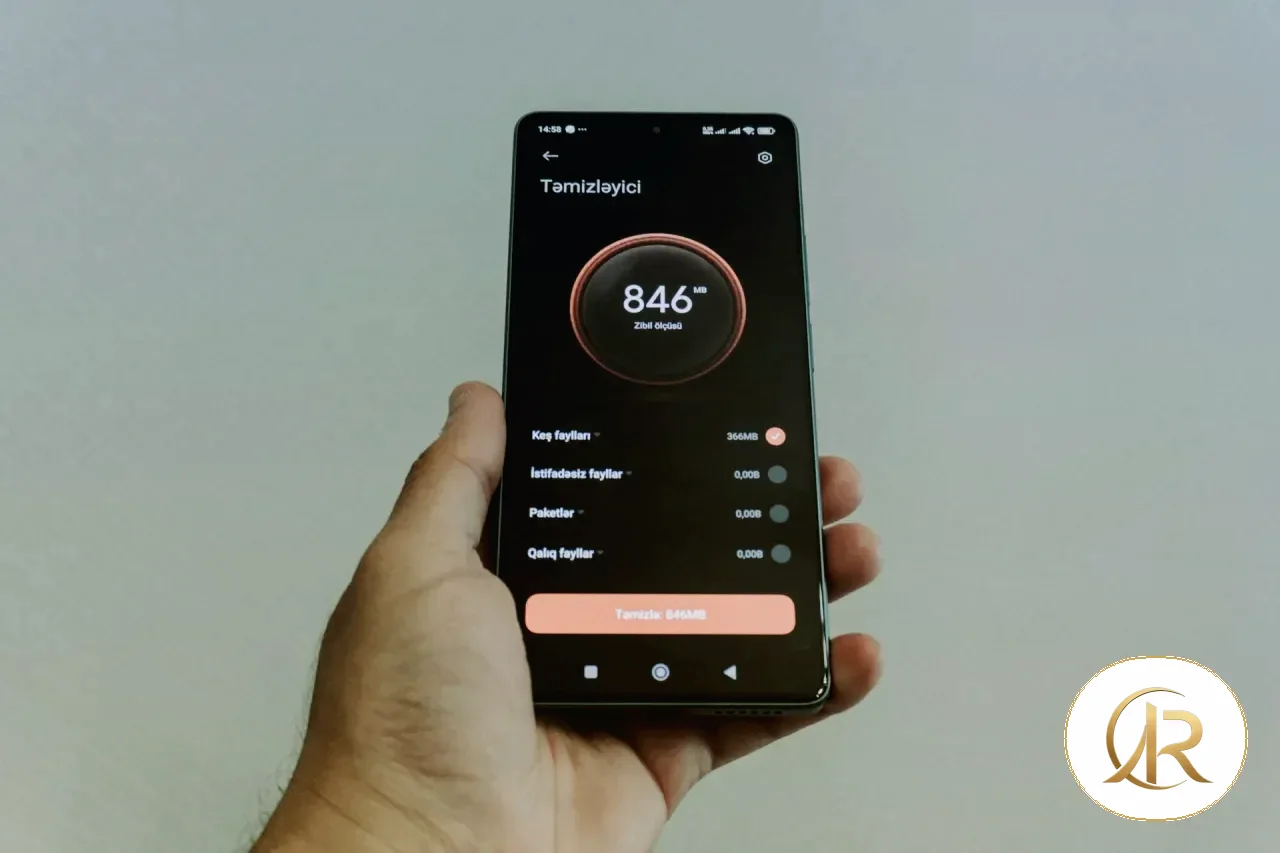
Translations may be much longer than the source copy. Test short and long versions of button labels, headings, validation messages, and menu items. Avoid fixed heights that clip words, and make sure text can wrap when space is limited. On cards and checkout screens, a slightly longer label can push an important action below the fold or behind the keyboard.
Increase text size in system settings, not only inside the app. Essential information should remain readable, and containers should grow or allow scrolling when needed. Look for collisions between labels and icons, clipped dialog titles, and save or cancel buttons that disappear. If a string must be shortened, confirm that the cut does not remove information users need to make a decision.
4. Validate dates, times, and time zones
A date is not a fixed string. Day, month, and year order differs by locale, so 04/05/2026 can mean different dates to different readers. Use the platform’s locale-aware formatter or a documented product rule, and consider month names when they reduce ambiguity. Test month-end, year-end, leap days, and times around midnight; boundary cases reveal defects that ordinary dates may hide.
Distinguish a global instant from a local appointment. For meetings or bookings, show the time zone when context requires it. Test after changing the device time zone and around daylight-saving transitions where applicable. Do not store only a local clock value if the service needs one unambiguous instant; keep a clear representation and format it for the user’s context.
5. Format currency and numbers correctly
Do not concatenate a currency symbol with a manually formatted value; the result can duplicate symbols or place them awkwardly. Use the platform’s number and currency formatters, and choose the currency explicitly instead of assuming every user shares one. Test small and large amounts, negative values where relevant, decimal places, discounts, taxes, and the final total.
Some locales use a comma for decimals while others use a period, and digit shapes may also differ. Keep the underlying numeric value separate from its display string; never convert a localized number to text and then use that text for calculations. On checkout screens, confirm that the displayed amount matches the value sent to the server. Test typing, copying, and pasting so separators are not misread.
6. Test plurals and interpolated messages
Messages containing counts need locale-aware plural rules. “You have 1 message” may differ from “You have 5 messages,” and languages do not share the same plural categories. Use the platform’s localization framework rather than building sentences around numbers in code. Test zero, one, two, a few, and large counts; edge values often reveal defects that a single sample misses.
Check names and product labels inserted into messages as well. Names may be long, and word order can change by language. Avoid stitching fragments together when a translator needs to reorder the sentence. Give translators context about where the message appears and whether it contains a name, amount, or link, then review the final result in the actual interface.
7. Test language changes and persistence
If users can switch language in the app, make the effect predictable. They should know whether content updates immediately or after reopening a screen, and they should not lose a draft or completed step because of a preference change. Try switching while a form is open, after sign-in, and after navigating to a detail screen. Confirm the selected language persists after closing and reopening the app and after an upgrade.
Keep interface language separate from user-generated content or data returned by a service. Menus may be Arabic while a product name or email address is in another language; do not force every string into one direction. If a translation is unavailable, show a useful fallback rather than an internal key such as label.checkout.submit. Test notifications, emails, and deep links too, since users often move from one language context to another.
8. Combine automated and manual checks
Automated tests can catch missing translation keys, visible fallback strings, and some layout defects. They cannot judge every translation’s clarity or whether a date is natural for a real user. Add stable tests for important locales and use screenshot comparisons where they help, but do not make pixel equality the only gate: a valid layout may differ between languages. Review important differences manually on real devices.
Prioritize by risk. A release should stop if the checkout action disappears or a transaction amount changes, while a minor spacing difference can be tracked for later review. The site’s guide to fast, usable mobile app design can help connect localization checks with user experience, and the mobile architecture guide is useful when testing state restoration after a language change.
Related articles
- Designing Fast, Usable Mobile Apps: Performance and UX Guide
- Scalable Mobile App Architecture: From Project Structure to Sync and Testing
- Deep Linking in Mobile Apps: A Practical Guide to Universal Links, App Links, and Security

9. Create test data for edge cases
Prepare a stable set of long names, mixed Arabic and English addresses, order identifiers, amounts in different currencies, month-end dates, and messages containing zero, one, or many items. Use synthetic data rather than real customer records. Keep the same dataset in automated checks and the manual test guide so results do not depend on each tester remembering unusual cases.
Include empty values, missing translations, unusually long product names, and labels that contain numbers or punctuation. Confirm that the interface has a useful fallback when content is not translated and that no internal localization key appears to the user. Repeat the same scenarios after changes to the design system, navigation, or localization library because shared components can affect many screens at once.

10. Add localization checks to CI/CD
Run checks for missing translation keys and visible fallback text during the build. Compare keys across supported languages and fail when a required string has no translation. Keep reports specific: include the locale, device, and failing scenario instead of a generic red status. Re-run the affected test after a fix and confirm the change did not break another language or screen size.
Do not use screenshots as the only release gate. They are useful for spotting visual drift, but meaningful differences need review. Stop a release when a core action disappears or a displayed transaction amount changes; track minor spacing differences with an owner and review date.
11. Pre-release checklist
- RTL and mixed-direction text work inside editable fields.
- Dates, times, currencies, and numbers match the selected locale.
- Long strings and larger text do not hide important actions.
- Plural messages work for zero, one, two, and larger counts.
- The chosen language persists after a restart.
- Automated findings are reviewed manually before release.
Conclusion
Localization testing is an ongoing quality practice, not a final translation review. Combine realistic test data, hands-on checks on real devices, and repeatable automated tests in every release cycle. When language and region are treated as part of application behavior, teams discover fewer surprises after launch and can support new markets with less rework.
Start with defects that prevent users from completing a task, then expand coverage to visual and linguistic details. Give each issue clear reproduction steps, retest after the fix, and maintain a small matrix of supported languages and devices. This turns localization from a late project phase into a measurable quality standard.
Remember to test notifications, permission prompts, emails, and store descriptions as well as in-app screens. A translated interface can still send a system message in another language. Check incoming links from external messages and confirm the destination opens in the expected language or gives users a clear way to change it.
If the app lets users choose language and country separately, explain the relationship and do not silently change currency or time zone. Keep canonical values in data and let the presentation layer format them for the locale. This separation protects calculations and prevents a language preference from accidentally changing a price or appointment time.
Make localization a shared responsibility across design, engineering, testing, and translation. Review unresolved defects before release, decide what must be fixed now, and track the rest with an owner and date. Revisit the matrix whenever the interface library or operating system changes. A checklist is useful only when the team repeats it and learns from the failures it finds.
Retest every supported locale before final approval, especially after changes to shared components.
That habit keeps localization defects from returning in later releases.
Written by
Abdelrahman Rabie Ali
Software Engineer & AI Builder
Full-stack software engineer and graphic designer with 4+ years building modern web applications using PHP, JavaScript, HTML, and CSS. Strong UI/UX background and advanced use of AI tools to boost development efficiency, automation, and decision-making.
Article tags
#تطوير تطبيقات الموبايل
#تطوير تطبيقات الموبايل
#RTL
#Android
#iOS
#اختبار البرمجيات
#Localization Testing
Sources & external links
RELATED / READ NEXT
All articles
Related articles
2026.10.07 · 22 VIEWS
Deep Linking in Mobile Apps: A Practical Guide to Universal Links, App Links, and Security
Read article
2026.10.05 · 26 VIEWS
Scalable Mobile App Architecture: From Project Structure to Sync and Testing
Read article
2026.10.05 · 13 VIEWS
Reliable Mobile Push Notifications: Registration, Delivery, Retries, and Multi-Device Design
Read article
2026.10.03 · 25 VIEWS
Designing Fast, Usable Mobile Apps: Performance and UX Guide
Read articleRead also
- Building Offline-First Web Apps with Service Workers and IndexedDB
- Change Data Capture (CDC): Reliable Data Sync and the Outbox Pattern
- Designing Reliable AI Agent Workflows
- How to Verify Software Releases: Checksums, Digital Signatures, and SBOMs
- Property-Based Testing: How to Find Bugs Example-Based Tests Miss
- Data Contracts and Quality Tests: Building Reliable Analytics Pipelines with Python and SQL


Comments
Be the first to comment on this article.