
بناء واجهة REST API آمنة في Laravel باستخدام Sanctum

دليل عملي لبناء REST API آمنة باستخدام Laravel Sanctum، يشمل التوكنات والسياسات والتحقق من المدخلات وتحديد الطلبات واختبارات الأمان.

ماذا سنبني، وما المقصود بواجهة آمنة؟
بناء واجهة REST API آمنة في Laravel باستخدام Sanctum لا يقتصر على إضافة توكن إلى ترويسة الطلب. الأمان الحقيقي سلسلة مترابطة تشمل إثبات هوية المستخدم، وتحديد ما يستطيع فعله، والتحقق من البيانات، ومنع الوصول إلى موارد الآخرين. سنطبّق هذه المبادئ على واجهة لإدارة المهام؛ يستطيع المستخدم تسجيل الدخول، وإنشاء مهامه وعرضها وحذفها، دون الاطلاع على مهام حساب آخر.
يفترض الدليل مشروع Laravel حديثًا ببنية Laravel 11 أو أحدث، مع قاعدة بيانات مضبوطة وحساب مستخدم موجود مسبقًا. سنستخدم توكنات الوصول الشخصية المناسبة لتطبيق جوال أو عميل مستقل. أما واجهة المتصفح التابعة لتطبيقك، فغالبًا يكون توثيق Sanctum المعتمد على جلسات الارتباط وملفات تعريف الارتباط أنسب لها. لا تخلط بين المسارين؛ فلكل منهما إعدادات مختلفة لحماية الطلبات وتخزين بيانات الاعتماد.
1. تثبيت Sanctum وتجهيز مسارات API
ابدأ بإنشاء المشروع، ثم اضبط اتصال قاعدة البيانات داخل ملف البيئة قبل تنفيذ الترحيلات. في المشاريع الحديثة يجهّز أمر install:api دعم واجهة API ويثبّت Sanctum، لذلك لا تحتاج إلى تكرار تثبيت الحزمة يدويًا. إن كان مشروعك قائمًا ومجهّزًا بالفعل، افحص ملف المسارات والترحيلات قبل إعادة تنفيذ خطوات التهيئة.
composer create-project laravel/laravel secure-api
cd secure-api
php artisan install:api
php artisan migrate
php artisan make:model Task -m
php artisan make:controller Api/AuthController
php artisan make:controller Api/TaskController
php artisan make:policy TaskPolicy --model=Task
php artisan make:test TaskSecurityTest
تأكّد من احتواء نموذج User على سمة HasApiTokens؛ فهي التي تضيف إنشاء التوكنات وعلاقتها بالمستخدم. احتفظ ببقية السمات والإعدادات الموجودة في النموذج، ولا تستبدل الملف كاملًا بالمقتطف التالي. كذلك يجب أن تكون كلمات المرور الموجودة في قاعدة البيانات مجزّأة، لا محفوظة كنصوص صريحة.
use Laravel\Sanctum\HasApiTokens;

// داخل App\Models\User:
use HasApiTokens;
2. تصميم المهام مع ملكية واضحة
كل مهمة ترتبط بمستخدم واحد عبر user_id. هذا العمود ليس تفصيلًا تنظيميًا فقط؛ بل هو أساس عزل البيانات. عدّل دالة up في ترحيل المهام بالكود التالي، واترك دالة down تحذف جدول tasks. يساعد المفتاح الأجنبي على الحفاظ على سلامة العلاقات، بينما يجعل الفهرس جلب مهام المستخدم المرتبة بالمعرّف أكثر ملاءمة مع نمو البيانات.
Schema::create('tasks', function (Blueprint $table) {
    $table->id();
    $table->foreignId('user_id')->constrained()->cascadeOnDelete();
    $table->string('title', 200);
    $table->text('description')->nullable();
    $table->timestamps();
    $table->index(['user_id', 'id']);
});
عرّف الحقول القابلة للإسناد الجماعي داخل Task، ثم أضف علاقة المهام داخل User. لا تضع user_id ضمن الحقول المسموحة؛ سنحدّد المالك من المستخدم الموثّق نفسه. بهذه الطريقة لا يستطيع العميل إنشاء مهمة باسم مستخدم آخر عبر إرسال معرّف إضافي ضمن JSON.
// داخل App\Models\Task:
protected $fillable = ['title', 'description'];

// داخل App\Models\User:
public function tasks(): \Illuminate\Database\Eloquent\Relations\HasMany
{
    return $this->hasMany(\App\Models\Task::class);
}
php artisan migrate3. تسجيل الدخول وإصدار توكن محدود العمر
نقطة تسجيل الدخول تستقبل البريد وكلمة المرور واسم الجهاز، وتتحقق من المدخلات قبل البحث عن الحساب. استخدم رسالة موحّدة عند فشل الدخول، حتى لا تكشف مباشرةً ما إذا كان البريد مسجّلًا. التوكن التالي صالح لثماني ساعات ويحمل قدرتين محددتين. هذه القدرات ليست أدوارًا إدارية؛ إنها حدود إضافية للتوكن، ولا تُغني عن التحقق من ملكية كل مهمة.
namespace App\Http\Controllers\Api;

use App\Http\Controllers\Controller;
use App\Models\User;
use Illuminate\Http\Request;
use Illuminate\Support\Facades\Hash;

class AuthController extends Controller
{
    public function login(Request $request)
    {
        $data = $request->validate([
            'email' => ['required', 'email', 'max:255'],
            'password' => ['required', 'string', 'max:1024'],
            'device_name' => ['required', 'string', 'max:100'],
        ]);

        $user = User::where('email', $data['email'])->first();

        if (! $user || ! Hash::check($data['password'], $user->password)) {
            return response()->json([
                'message' => 'بيانات الدخول غير صحيحة.',
            ], 401);
        }

        $token = $user->createToken(
            $data['device_name'],
            ['tasks:read', 'tasks:write'],
            now()->addHours(8)
        );

        return response()->json([
            'token_type' => 'Bearer',
            'access_token' => $token->plainTextToken,
            'expires_at' => $token->accessToken->expires_at,
        ])->header('Cache-Control', 'no-store');
    }

    public function logout(Request $request)
    {
        $request->user()->currentAccessToken()->delete();

        return response()->noContent();
    }
}
يخزّن Sanctum تجزئة التوكن في قاعدة البيانات، ويعيد قيمته الصريحة عند الإنشاء فقط. لا تسجّل هذه القيمة في أدوات المراقبة أو سجلات الطلبات. ودالة الخروج هنا مصمّمة لمسار توثيق Bearer الذي نبنيه؛ أما الخروج من جلسة متصفح فيحتاج إبطال الجلسة وتجديد توكن CSRF بدل حذف توكن شخصي.
4. ضبط الصلاحيات ومحدّد معدل الطلبات
سجّل الاسم المختصر لوسيط قدرات Sanctum داخل استدعاء withMiddleware الموجود في bootstrap/app.php. لا تضف سلسلة إعداد ثانية أو تحذف إعدادات المشروع الأخرى. يتحقق وسيط abilities من امتلاك التوكن لجميع القدرات المذكورة، بينما يتحقق auth:sanctum أولًا من هوية صاحب الطلب.
->withMiddleware(function (\Illuminate\Foundation\Configuration\Middleware $middleware) {
    $middleware->alias([
        'abilities' => \Laravel\Sanctum\Http\Middleware\CheckAbilities::class,
    ]);
})
أضف محدّدَي الطلبات التاليين إلى دالة boot في AppServiceProvider. تقييد الدخول بحسب عنوان الشبكة، وبحسب اجتماع البريد والعنوان، يخفّض فرص التخمين المتكرر، لكنه ليس بديلًا عن المراقبة أو المصادقة متعددة العوامل. وفي بيئة متعددة الخوادم استخدم مخزنًا مشتركًا للكاش، واضبط الوكلاء الموثوقين كي لا تعتمد القيود على عنوان شبكة غير صحيح.
use Illuminate\Cache\RateLimiting\Limit;
use Illuminate\Http\Request;
use Illuminate\Support\Facades\RateLimiter;

// داخل boot:
RateLimiter::for('login', function (Request $request) {
    $identity = hash('sha256', strtolower((string) $request->input('email')));

    return [
        Limit::perMinute(20)->by('login-ip:'.$request->ip()),
        Limit::perMinute(5)->by('login-user:'.$identity.'|'.$request->ip()),
    ];
});

RateLimiter::for('api', function (Request $request) {
    return Limit::perMinute(60)->by(
        'api:'.($request->user()?->id ?? $request->ip())
    );
});
5. تعريف المسارات المحمية
ضع المسارات في routes/api.php؛ يضيف Laravel بادئة /api تلقائيًا في الإعداد المعتاد. نفصل القراءة عن الكتابة لتوضيح معنى قدرات التوكن. أي طلب لإنشاء مهمة يحتاج هوية صالحة وقدرة كتابة، لكن ذلك لا يمنحه حق حذف مهمة ليست له. أرسل دائمًا Accept: application/json للحصول على استجابات أخطاء ملائمة للعميل بدل سلوك صفحات الويب.
use App\Http\Controllers\Api\AuthController;
use App\Http\Controllers\Api\TaskController;
use Illuminate\Support\Facades\Route;

Route::post('/login', [AuthController::class, 'login'])
    ->middleware('throttle:login');

Route::middleware(['auth:sanctum', 'throttle:api'])->group(function () {
    Route::post('/logout', [AuthController::class, 'logout']);

    Route::middleware('abilities:tasks:read')->group(function () {
        Route::get('/tasks', [TaskController::class, 'index']);
        Route::get('/tasks/{task}', [TaskController::class, 'show']);
    });

    Route::middleware('abilities:tasks:write')->group(function () {
        Route::post('/tasks', [TaskController::class, 'store']);
        Route::delete('/tasks/{task}', [TaskController::class, 'destroy']);
    });
});
6. منع الوصول إلى مهام المستخدمين الآخرين
من أخطر أخطاء API قبول معرّف مورد ثم إعادته دون فحص مالكه. معرفة المستخدم للرقم الصحيح لا تعني امتلاكه صلاحية الوصول. عدّل TaskPolicy لتقارن مالك المهمة بالمستخدم الحالي. ولجعل التسجيل واضحًا، أضف ربط السياسة التالي إلى boot في AppServiceProvider، حتى لو كان الاكتشاف التلقائي للسياسات يعمل وفق أسماء المشروع التقليدية.
namespace App\Policies;

use App\Models\Task;
use App\Models\User;

class TaskPolicy
{
    public function view(User $user, Task $task): bool
    {
        return $user->id === $task->user_id;
    }

    public function delete(User $user, Task $task): bool
    {
        return $user->id === $task->user_id;
    }
}
// داخل boot في AppServiceProvider:
\Illuminate\Support\Facades\Gate::policy(
\App\Models\Task::class,
\App\Policies\TaskPolicy::class
);قائمة المهام تحتاج عزلًا داخل الاستعلام نفسه، وليس فحصًا بعد تحميل جميع السجلات. أما العرض والحذف فيستخدمان السياسة قبل قراءة المورد أو تغييره. ستعيد السياسة هنا 403 للموارد غير المسموح بها؛ ويمكن تصميم استجابة 404 بدلًا منها عندما تتطلب سياسة المنتج إخفاء وجود المورد.
7. التحقق من المدخلات وتنفيذ العمليات
يقبل المتحكم عنوانًا ووصفًا فقط، ويرفض إرسال user_id صراحةً. نستخدم البيانات الناتجة عن validate بدل تمرير جميع مدخلات الطلب إلى النموذج. كذلك نحدّد أعمدة الاستجابة لتقليل كشف الحقول غير الضرورية، ونستخدم ترقيم الصفحات بدل تحميل القائمة كاملة. عند توسع الواجهة، انقل التحقق إلى Form Requests والتنسيق إلى API Resources لتوحيد العقود بين المسارات.
namespace App\Http\Controllers\Api;

use App\Http\Controllers\Controller;
use App\Models\Task;
use Illuminate\Http\Request;
use Illuminate\Support\Facades\Gate;

class TaskController extends Controller
{
    public function index(Request $request)
    {
        return $request->user()->tasks()
            ->select(['id', 'title', 'description', 'created_at'])
            ->orderByDesc('id')
            ->paginate(20);
    }

    public function store(Request $request)
    {
        $data = $request->validate([
            'title' => ['required', 'string', 'max:200'],
            'description' => ['nullable', 'string', 'max:5000'],
            'user_id' => ['prohibited'],
        ]);

        $task = $request->user()->tasks()->create($data);

        return response()->json([
            'data' => $task->only(['id', 'title', 'description', 'created_at']),
        ], 201);
    }

    public function show(Task $task)
    {
        Gate::authorize('view', $task);

        return response()->json([
            'data' => $task->only(['id', 'title', 'description', 'created_at']),
        ]);
    }

    public function destroy(Task $task)
    {
        Gate::authorize('delete', $task);
        $task->delete();

        return response()->noContent();
    }
}
تُعيد أخطاء التحقق الحالة 422، والإنشاء الناجح 201، والحذف 204 دون جسم استجابة. وتذكّر أن قبول وصف نصي لا يجعله آمنًا للعرض كـHTML؛ على الواجهة الأمامية ترميز النص عند عرضه، أو تطبيق تنقية مناسبة إذا كان المنتج يسمح فعلًا بمحتوى منسّق.
8. تجربة التوكن عبر طلبات حقيقية
شغّل الخادم المحلي، ثم سجّل الدخول باستخدام حسابك الموجود. انسخ access_token إلى متغير TOKEN داخل بيئة اختبار موثوقة، ولا تحفظه في ملفات مشتركة أو مستودع Git. استخدام HTTP هنا للتطوير المحلي فقط؛ يجب أن تنتقل بيانات الاعتماد والتوكنات عبر HTTPS في الإنتاج.
php artisan servecurl -X POST http://127.0.0.1:8000/api/login \
-H 'Accept: application/json' \
-H 'Content-Type: application/json' \
-d '{"email":"developer@example.com","password":"your-password","device_name":"local-cli"}'
TOKEN='paste-access-token-here'
curl -X POST http://127.0.0.1:8000/api/tasks \
-H 'Accept: application/json' \
-H "Authorization: Bearer $TOKEN" \
-H 'Content-Type: application/json' \
-d '{"title":"مراجعة صلاحيات API","description":"اختبار عزل المهام"}'
curl http://127.0.0.1:8000/api/tasks \
-H 'Accept: application/json' \
-H "Authorization: Bearer $TOKEN"
curl -X POST http://127.0.0.1:8000/api/logout \
-H 'Accept: application/json' \
-H "Authorization: Bearer $TOKEN"9. اختبار الأمان قبل النشر
اختبار نجاح إنشاء مهمة وحده لا يكفي. اختبر الحدود التي يفترض ألا يتجاوزها العميل: طلب بلا توثيق، وتوكن قراءة يحاول الكتابة، ومستخدم يحاول فتح مهمة غيره. المثال التالي يستخدم PHPUnit ومصادقة Sanctum المساعدة، ولذلك يختبر السياسات والقدرات، لكنه لا يختبر صلاحية توكن حقيقي أو انتهاءه؛ أضف اختبارات مستقلة لذلك باستخدام ترويسة Bearer.
namespace Tests\Feature;

use App\Models\User;
use Illuminate\Foundation\Testing\RefreshDatabase;
use Laravel\Sanctum\Sanctum;
use Tests\TestCase;

class TaskSecurityTest extends TestCase
{
    use RefreshDatabase;

    public function test_guests_cannot_list_tasks(): void
    {
        $this->getJson('/api/tasks')->assertUnauthorized();
    }

    public function test_user_cannot_read_another_users_task(): void
    {
        $owner = User::factory()->create();
        $other = User::factory()->create();
        $task = $owner->tasks()->create(['title' => 'Private']);

        Sanctum::actingAs($other, ['tasks:read']);

        $this->getJson('/api/tasks/'.$task->id)->assertForbidden();
    }

    public function test_read_only_token_cannot_create_tasks(): void
    {
        Sanctum::actingAs(User::factory()->create(), ['tasks:read']);

        $this->postJson('/api/tasks', ['title' => 'Blocked'])
            ->assertForbidden();
    }
}
php artisan test --filter=TaskSecurityTest10. قائمة مراجعة الإنتاج وإدارة دورة التوكن
قبل تشغيل الاختبارات، اضبط قاعدة بيانات اختبار منفصلة؛ سمة RefreshDatabase تعيد تهيئة البيانات في البيئة المستهدفة. وبعد نجاحها، راجع إعدادات الإنتاج ودورة حياة التوكنات. انتهاء التوكن يمنع استعماله، لكنه لا يعني حذف سجله تلقائيًا. جدولة التنظيف تقلّل تراكم السجلات، بينما يجب أن توفّر للمستخدم وسيلة لإلغاء أجهزة قديمة أو مشبوهة.
- فعّل HTTPS واضبط APP_DEBUG=false، ولا تعرض تفاصيل الاستثناءات للعميل.
- اسمح في CORS بالأصول المطلوبة فقط؛ CORS ليس بديلًا عن التوثيق والصلاحيات.
- احجب كلمات المرور وترويسة Authorization عن السجلات وتقارير الأخطاء.
- خزّن توكنات الجوال في التخزين الآمن للنظام، وتجنّب تخزين توكن طويل العمر في localStorage.
- راقب ارتفاع أخطاء 401 و403 و429، وحدّث الاعتماديات بانتظام.
- ألغِ جميع توكنات الحساب عند الحاجة الأمنية باستخدام علاقة tokens، وفق سياسة واضحة.
// داخل routes/console.php:
use Illuminate\Support\Facades\Schedule;

Schedule::command('sanctum:prune-expired --hours=24')->daily();

// لإلغاء جميع توكنات مستخدم محدد:
// $user->tokens()->delete();
تحتاج الجدولة إلى تشغيل مجدول Laravel على الخادم، مثل استدعاء schedule:run كل دقيقة. بهذا التصميم تصبح Sanctum طبقة إثبات الهوية، والقدرات حدودًا للتوكن، والسياسات حاجزًا حول الموارد، والاختبارات ضمانًا ضد التراجع. هذه الطبقات مجتمعة هي الأساس العملي لواجهة Laravel REST API قابلة للتطوير وأكثر أمانًا.
What Are We Building?
We will build a task API using Laravel Sanctum personal access tokens. Users can create, list, view, and delete their own tasks. Authentication identifies callers; token abilities restrict operations; policies enforce resource ownership. This tutorial targets Laravel 11-style application structure and newer projects with a configured database and an existing user.
Personal access tokens suit mobile apps and independent clients. For your own browser frontend, prefer Sanctum’s cookie-based SPA authentication when appropriate. Its session and CSRF requirements differ from this Bearer-token implementation.
1. Install Sanctum and Prepare the API
composer create-project laravel/laravel secure-api
cd secure-api
php artisan install:api
php artisan migrate
php artisan make:model Task -m
php artisan make:controller Api/AuthController
php artisan make:controller Api/TaskController
php artisan make:policy TaskPolicy --model=Task
php artisan make:test TaskSecurityTest
Configure the database before migrating. The modern install:api command installs Sanctum and prepares API routing. Add the following trait to your existing User model without removing its other configuration:
use Laravel\Sanctum\HasApiTokens;

// Inside User:
use HasApiTokens;
2. Give Every Task an Owner
Create the tasks table with a constrained user_id, a title limited to 200 characters, a nullable description, timestamps, and an index on user_id and id. Only title and description should be mass assignable.
// Inside Task:
protected $fillable = ['title', 'description'];

// Inside User:
public function tasks(): \Illuminate\Database\Eloquent\Relations\HasMany
{
    return $this->hasMany(\App\Models\Task::class);
}
Run php artisan migrate after editing the migration. Derive ownership from the authenticated user rather than accepting a user_id supplied by the client.
3. Issue Short-Lived Access Tokens
Validate the email, password, and device name. Look up the user and verify the password with Hash::check. Return the same generic 401 message for an unknown account and an incorrect password. Once credentials are verified, issue a token with explicit abilities:
$token = $user->createToken(
    $data['device_name'],
    ['tasks:read', 'tasks:write'],
    now()->addHours(8)
);

return response()->json([
    'token_type' => 'Bearer',
    'access_token' => $token->plainTextToken,
    'expires_at' => $token->accessToken->expires_at,
])->header('Cache-Control', 'no-store');
Sanctum stores a hash of the token. Never log its plaintext value. In a Bearer-token logout endpoint, delete currentAccessToken() and return 204. Cookie-based logout requires session invalidation instead.
4. Configure Abilities and Rate Limits
Register the abilities alias inside the existing withMiddleware callback in bootstrap/app.php:
$middleware->alias([
    'abilities' => \Laravel\Sanctum\Http\Middleware\CheckAbilities::class,
]);
In AppServiceProvider::boot, define a login rate limiter with both an IP-wide limit and an email-plus-IP limit. Define an authenticated API limit keyed by user ID. Use shared cache storage across application servers and configure trusted proxies correctly. Rate limiting reduces abuse but does not replace monitoring or stronger account authentication.
5. Protect API Routes
Place routes in routes/api.php. Apply throttle:login to the login endpoint. Group protected routes under auth:sanctum and throttle:api, then require tasks:read for reads and tasks:write for changes.
Route::middleware([
    'auth:sanctum',
    'throttle:api',
    'abilities:tasks:read',
])->get('/tasks', [TaskController::class, 'index']);
Import Route and TaskController when using this example. Request JSON responses with Accept: application/json. Token abilities do not establish ownership of a particular task.
6. Enforce Resource Ownership
Implement view and delete methods in TaskPolicy. Both should compare the authenticated user ID with the task owner ID. Register the policy explicitly in AppServiceProvider if you want the mapping to be unambiguous:
\Illuminate\Support\Facades\Gate::policy(
    \App\Models\Task::class,
    \App\Policies\TaskPolicy::class
);

// Inside TaskPolicy:
public function view(\App\Models\User $user, \App\Models\Task $task): bool
{
    return $user->id === $task->user_id;
}
Call Gate::authorize before showing or deleting a task. Filter list queries through the user’s tasks relationship. The policy returns 403 for denied access; applications that must conceal resource existence may deliberately use 404 instead.
7. Validate Inputs and Control Responses
$data = $request->validate([
    'title' => ['required', 'string', 'max:200'],
    'description' => ['nullable', 'string', 'max:5000'],
    'user_id' => ['prohibited'],
]);

$task = $request->user()->tasks()->create($data);

return response()->json([
    'data' => $task->only(['id', 'title', 'description', 'created_at']),
], 201);
Pass validated input rather than all request data. Paginate lists with a fixed page size and return only intended fields. Validation failures use 422, successful creation uses 201, and deletion uses 204. Treat descriptions as untrusted text when rendering them in a frontend. Move validation and serialization into Form Requests and API Resources as the application grows.
8. Send Real Bearer Requests
Start the local server with php artisan serve. Obtain a token through POST /api/login, then pass it in the Authorization header:
TOKEN='paste-access-token-here'

curl http://127.0.0.1:8000/api/tasks \
  -H 'Accept: application/json' \
  -H "Authorization: Bearer $TOKEN"

curl -X POST http://127.0.0.1:8000/api/logout \
  -H 'Accept: application/json' \
  -H "Authorization: Bearer $TOKEN"
Local HTTP is for development only. Require HTTPS in production and keep tokens out of shared files, repositories, and request logs.
9. Test Security Boundaries
Use a separate test database with RefreshDatabase. Test unauthenticated access, cross-user access, and write attempts using read-only tokens. Inside a feature test, the following checks the ability boundary:
\Laravel\Sanctum\Sanctum::actingAs(
    \App\Models\User::factory()->create(),
    ['tasks:read']
);

$this->postJson('/api/tasks', ['title' => 'Blocked'])
    ->assertForbidden();
php artisan test --filter=TaskSecurityTestSanctum::actingAs tests authorization behavior without exercising real Bearer-token authentication. Add separate tests for expired tokens, revoked tokens, login failures, and rate limits.
10. Review Production and Token Lifecycle
- Enable HTTPS and set APP_DEBUG=false.
- Restrict CORS origins, but do not treat CORS as authorization.
- Redact passwords and Authorization headers from logs.
- Use platform-secure storage for mobile tokens and avoid long-lived tokens in localStorage.
- Monitor unusual 401, 403, and 429 responses.
- Provide token revocation and keep dependencies updated.
// In routes/console.php:
use Illuminate\Support\Facades\Schedule;

Schedule::command('sanctum:prune-expired --hours=24')->daily();
Configure the server to run Laravel’s scheduler, usually by invoking schedule:run every minute. Expiration blocks token use; pruning removes expired records later. Together, authentication, abilities, ownership policies, validation, and security tests provide a practical foundation for a safer Laravel REST API.
عبدالرحمن ربيع
Software Engineer & AI Builder
مطور برمجيات متكامل ومصمم جرافيك مع أكثر من 4 سنوات خبرة في بناء تطبيقات الويب الحديثة باستخدام PHP و JavaScript و HTML و CSS. خلفية قوية في تصميم UI/UX واستخدام متقدم لأدوات الذكاء الاصطناعي لتعزيز كفاءة التطوير والأتمتة واتخاذ القرارات. حاصل على ماجستير تنفي...
مقالات ذات صلة
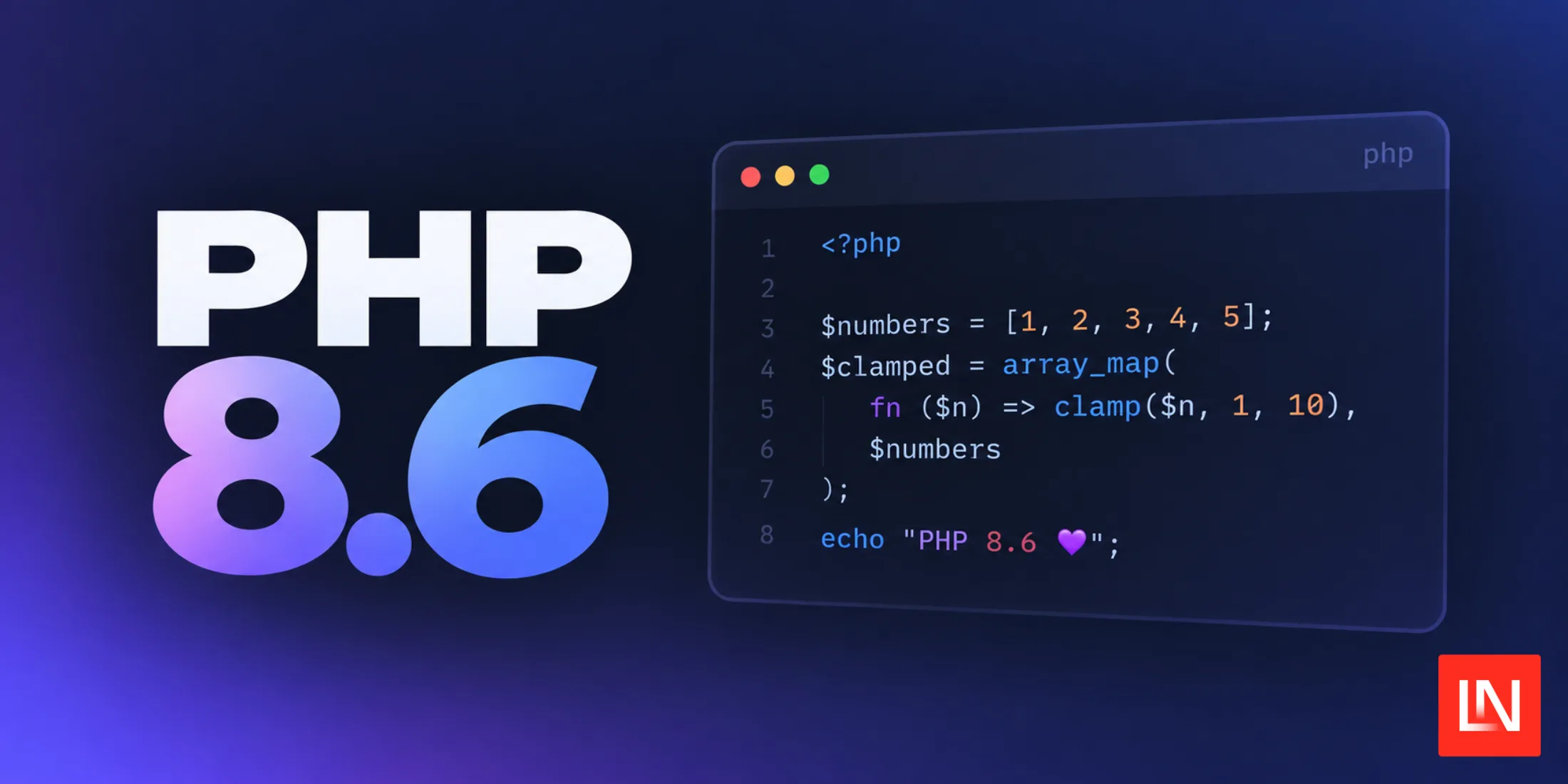
What's New in PHP 8.6
اقرأ المقال
Inside NVIDIA’s cuDNN Graph API: Fusion, Autotuning, and Plan Reuse with cuDNN Frontend
اقرأ المقال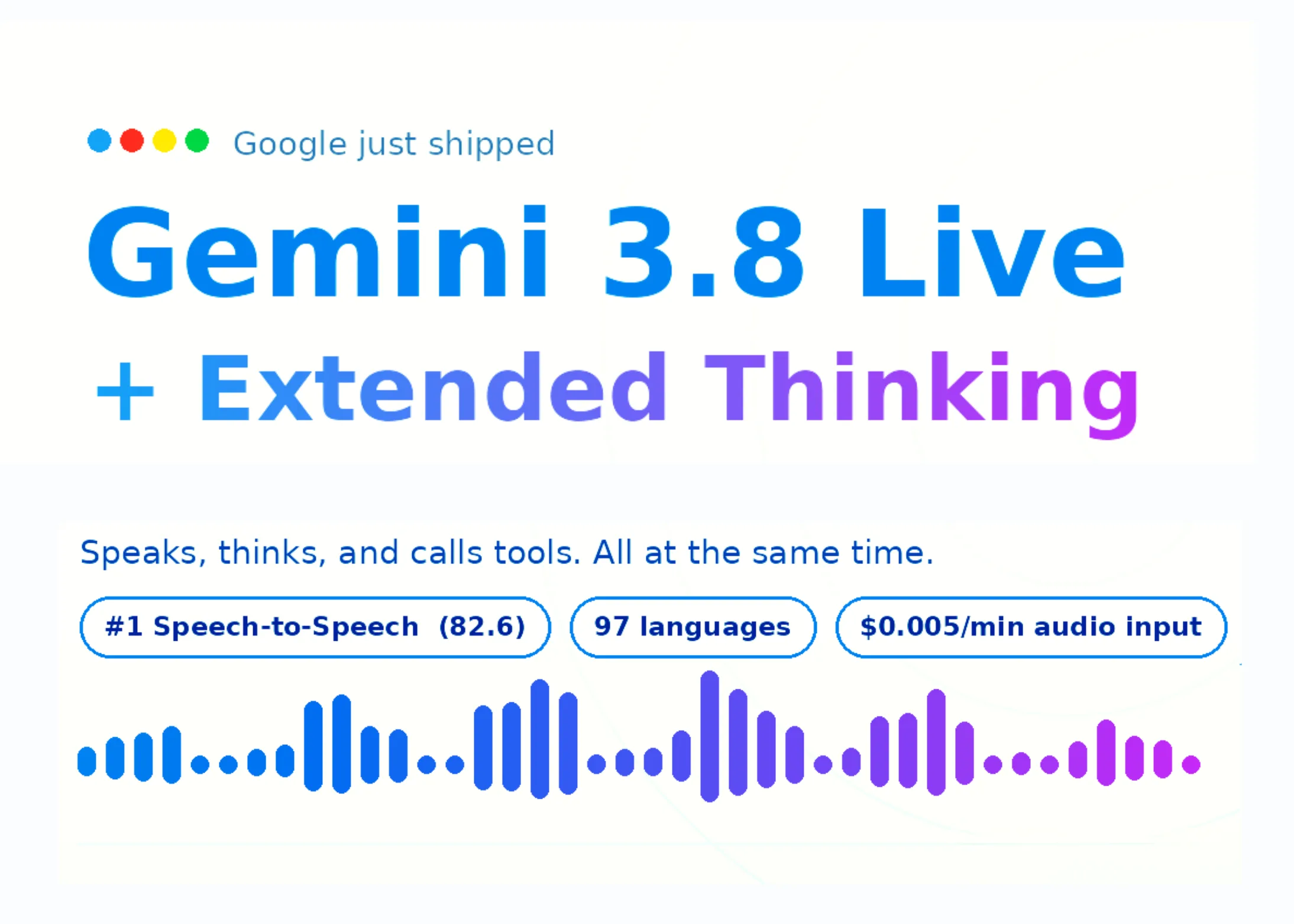
Google Releases Gemini 3.8 Live and 3.8 Live Extended Thinking for Production Grade Voice Agents
اقرأ المقال
التعليقات (0)
كن أول من يعلّق على هذا المقال.